Record on your wrist
Start recording on a paired Apple Watch and add markers when a moment matters.
 声迹 · iPhone + Apple Watch
Record on Apple Watch, review on iPhone, and explicitly upload complete sessions for cloud transcription and AI notes.
Join the TestFlight beta ↗Explore the workflow ↓Invitation availability and install eligibility are determined by TestFlight. The screenshots do not establish the currently available beta build.
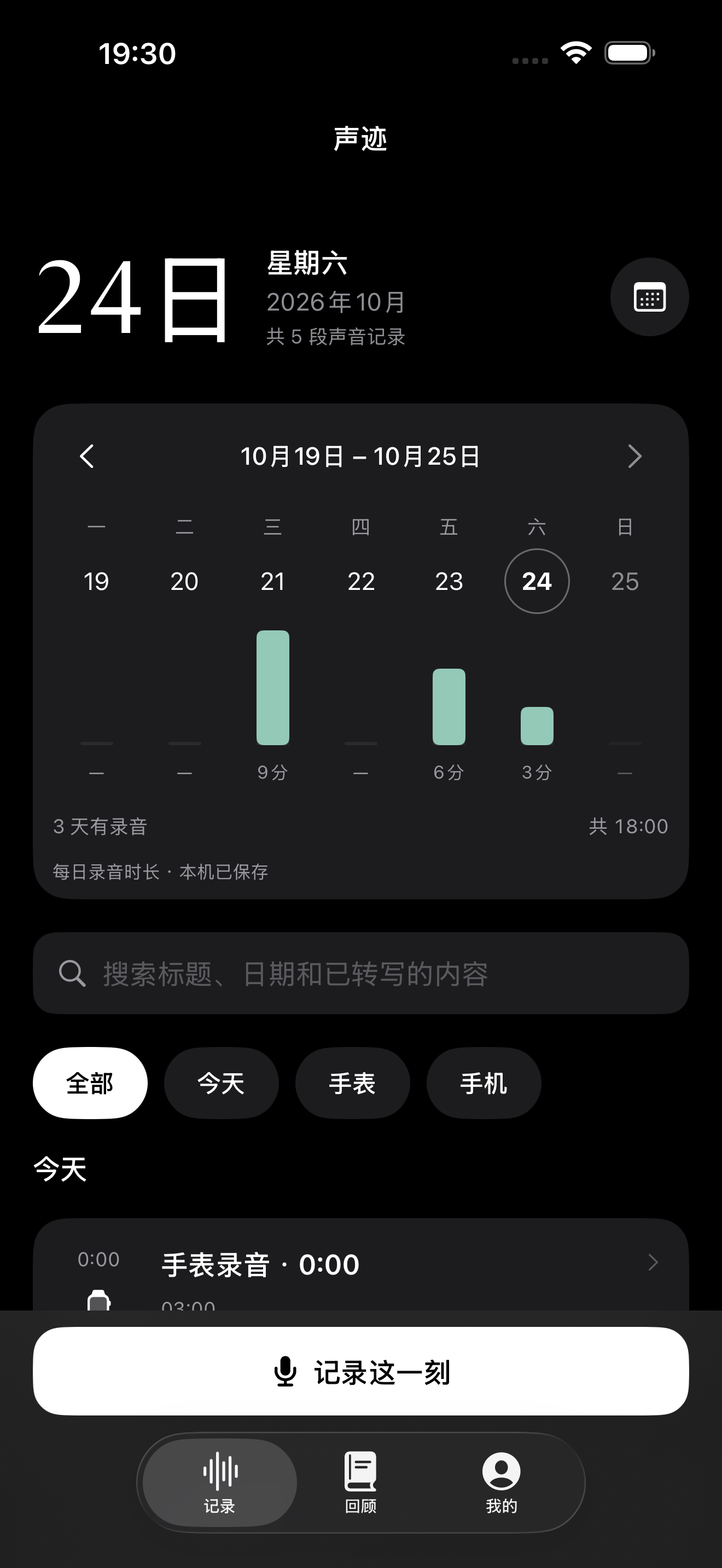
Start recording on a paired Apple Watch and add markers when a moment matters.
Audio is saved in 120-second segments by default. WatchConnectivity schedules delivery to iPhone; segment length is not a delivery guarantee.
On iPhone, explicitly authorize a completed, complete session of up to 2 hours for cloud processing. Signing in does not upload recordings.
Read the transcript, referenced notes and draft action items. Check AI output before relying on it.
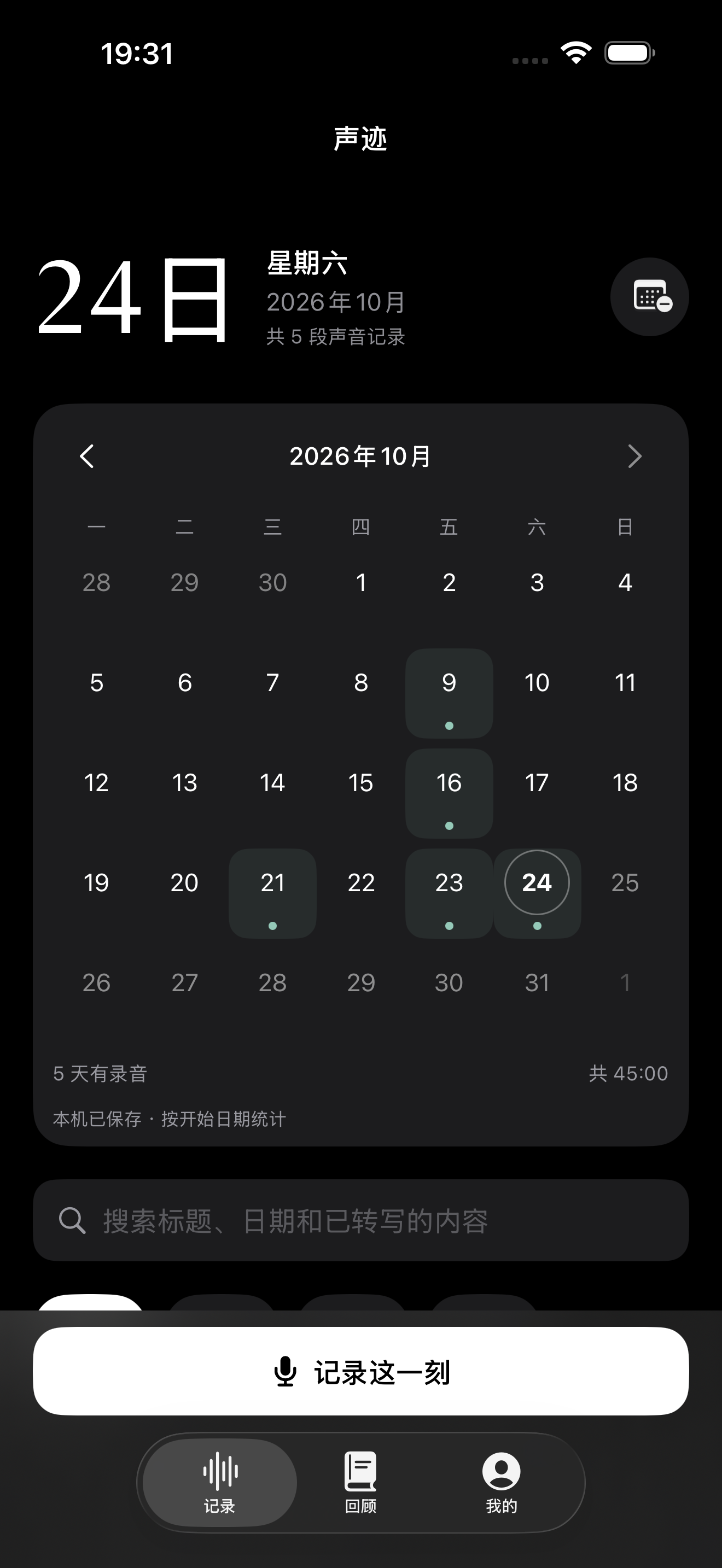
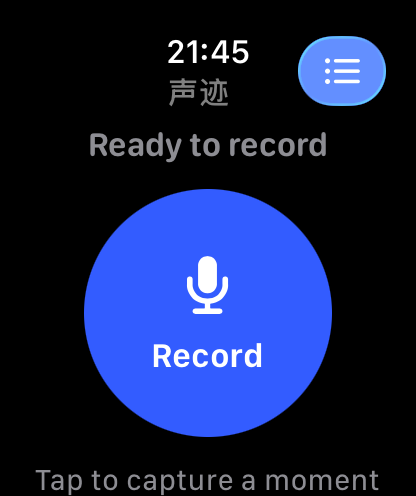
Browse grouped recording sessions in weekly and monthly views, check segment completeness, and return to playback and markers on iPhone. Choose which complete sessions deserve cloud transcription and notes.
Obtain informed consent from the people involved before recording, and follow applicable laws. Review AI-generated conclusions and action items yourself.